Social media marketing for Shopify stores: a simple plan that sells
Key takeaways
- Social media marketing for Shopify works best for a small team when you pick one or two platforms where your customers already spend time, rather than trying to be everywhere.
- Set one goal, such as sales from social, and measure it with Shopify's reports by traffic source plus UTM tags on your bio link and post links.
- Plan a weekly calendar from four or five content pillars (product in use, how-to, behind the scenes, customer stories, occasional offers) and batch-create a month of posts in one shoot day.
- Turn followers into customers with a link in bio to a specific collection, product tags where available, and an email signup.
- Only pay to boost posts that already work organically, start with small test budgets, and keep your cost per order below the profit you make on an order.
Social media marketing for Shopify means using platforms like Instagram, TikTok, Pinterest or Facebook to get people to your store and buying, not just liking posts. This guide gives you a realistic plan for a small store: choose your platforms, set a goal you can measure, plan a simple weekly calendar, and turn followers into customers.
Which social media platform should a Shopify store use?
Use the one or two platforms where your customers already spend time, and where your products look good in the format that platform rewards. Being active on two platforms beats posting rarely on five.
Ask a few customers where they found you, look at which social sites already send visits in your Shopify reports,. Then use this table as a starting point:
| Platform | Good for | Content that works | Effort |
|---|---|---|---|
| Visual products, lifestyle, gifts | Short videos (reels), carousels, stories | Medium | |
| TikTok | Products that demo well, younger audiences, discovery | Short, casual videos, trends, how-tos | High (frequent video) |
| Home, decor, fashion, recipes, weddings, gifts | Tall images and idea pins that link to products | Low to medium | |
| Older audiences, local businesses, community groups | Posts, groups, short video, events | Medium | |
| YouTube | Products that need explaining, reviews, tutorials | Longer tutorials and Shorts | High |
For platform-specific setup, see our guides to selling on Instagram with Shopify and TikTok marketing for Shopify stores.
How do you measure sales from social media on Shopify?
Pick one main goal, such as orders from social, and check it in Shopify's analytics, where reports can break down sessions and sales by traffic source or referrer. Add UTM tags to your links so you can see exactly which platform and post sent each visit.
Followers and likes do not pay the bills. Better numbers to watch each month:
- Link clicks from the platform's own insights.
- Sessions from social in Shopify, meaning visits to your store that came from a social site.
- Orders and revenue from social in Shopify's reports.
Report names and what each plan includes change over time, so look in the Analytics section of your Shopify admin for reports by traffic source, referrer or UTM.
What is a UTM link?
A UTM link is a normal link to your store with a few labels added to the end. The labels do not change the page; they tell your analytics where the visitor came from. For example:
yourstore.com/collections/autumn-candles?utm_source=instagram&utm_medium=social&utm_campaign=autumn_launch
- utm_source is the platform (instagram, tiktok, pinterest).
- utm_medium is the type of traffic (social, or paid_social for ads).
- utm_campaign is your own name for the promotion or post.
Use lowercase and the same spelling every time, or "Instagram" and "instagram" will show up as two sources. Put a UTM link on your bio link and on any link you share in stories or posts.
What should a Shopify store post on social media?
Post a mix of content pillars, which are four or five repeating themes you rotate through so you never stare at a blank screen. Most posts should help or entertain; only a small share should be a direct sales pitch.
| Pillar | Example for a candle store | Starting share |
|---|---|---|
| Product in use | A candle lit on a cosy evening table | 30% |
| How-to and education | How to stop tunnelling, how to pick a scent for a room | 25% |
| Behind the scenes | Pouring wax, packing orders, testing new scents | 20% |
| Customer stories and UGC | Reposting customer photos and reviews | 15% |
| Offers and launches | New scent drop, seasonal bundle, limited discount | 10% |
Treat this ratio as a starting point, not a rule. After a month, check which pillars bring link clicks and sales, and shift the mix. UGC, short for user-generated content, means photos, videos and reviews made by your customers. Always ask permission before reposting and credit the creator.
What does a weekly social media content calendar look like?
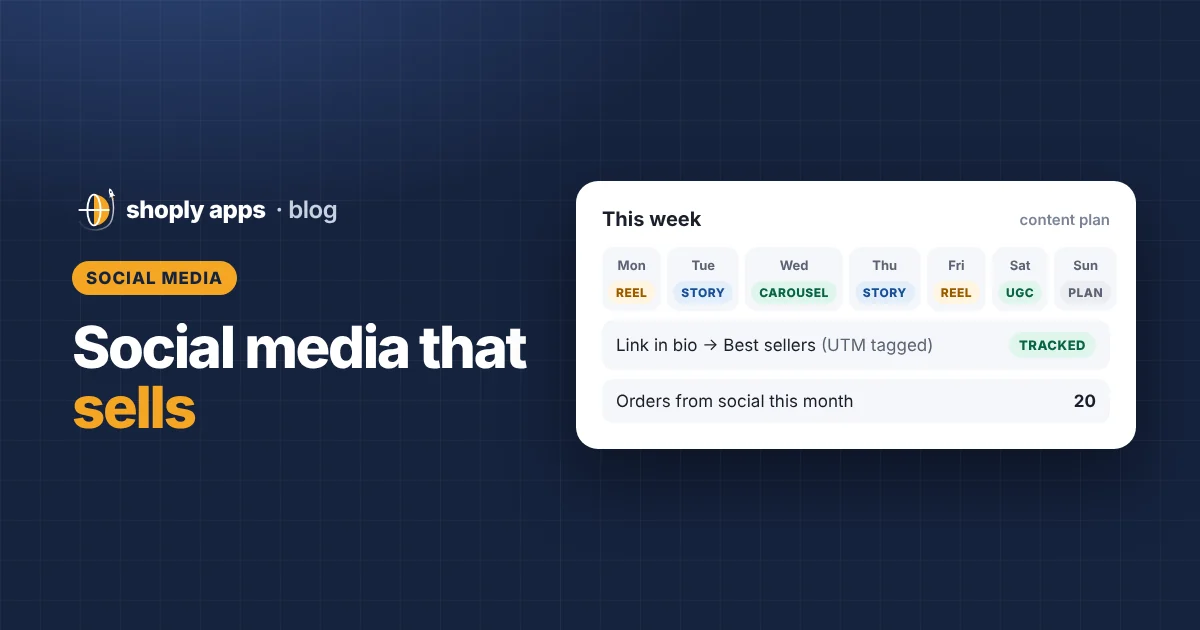
A simple weekly calendar gives each day one job, so you post consistently without deciding from scratch each morning. Here is an example for one to two platforms:
| Day | Format | Example idea |
|---|---|---|
| Monday | Reel | Product in use: lighting the new scent at dusk |
| Tuesday | Story | Poll: "Which scent should we restock first?" |
| Wednesday | Carousel | How-to: 5 tips to make a candle burn evenly |
| Thursday | Story | Behind the scenes: packing today's orders, with a link to the collection |
| Friday | Reel | Weekend gift idea or a new arrival |
| Saturday | UGC repost | A customer's photo, with permission and credit |
| Sunday | Rest and plan | Check last week's numbers and plan next week |
There is no single best posting time or frequency for every store. Start with a pace you can keep for months, then test what works for your audience using the platform's insights.
How can a small team create a month of content quickly?
Batch it: plan the month, then spend one shoot day filming and photographing everything. One afternoon of focused work can give you most of a month's posts.
- Plan: write 15 to 20 post ideas across your pillars, with a shot list for each.
- Shoot: film short clips and take photos in one session. Use window light and a clean background; our guide to product photography on a small budget covers the basics.
- Edit: cut several short videos from the same footage, and pull still frames for carousels and stories.
- Schedule: write captions and schedule posts with each platform's own tools or a scheduler.
Reuse one video across platforms. A 20-second demo can be a reel, a TikTok, a YouTube Short and a Pinterest video. Adjust the caption, text and sound to suit each platform, and check each platform's current rules on reposting content with another app's watermark.
How do you turn social media followers into customers?
Make it easy to go from post to product in one or two taps, and give people a reason to join your email list so you can reach them even when the algorithm does not show your posts.
- Link in bio to a collection. Send people to a specific collection, such as "Autumn scents", not your home page. Change it to match what you are promoting, with a UTM tag.
- Product tagging and shoppable posts. Shopify has sales channel apps for Meta (Facebook and Instagram) and some other platforms that sync your products. Where available in your country and for your account, you can tag products in posts so viewers tap through to the product. Check each platform's current requirements.
- Email signup. Offer something useful, like a scent guide or early access to launches, in exchange for an email. Our Shopify email marketing guide shows how to set up the list and first emails.
- A store that is ready to sell. Social traffic lands on product pages, so the products you post should have stock, clear photos and a description. Shoply: Item Scan & Analytics, free on the Shopify App Store, flags problems like out of stock, no image or no description across your whole catalog.
Why do replies and community matter?
Replies turn followers into buyers because many sales start with a question. Answer comments and direct messages (DMs) quickly, especially questions about size, scent or shipping, and reply to people who tag you. Thank customers who share photos. A small, engaged following that trusts you usually sells better than a large, silent one.
Should you pay for social media ads as a small store?
Paid social can help, but start small and only boost posts that already work organically. A post that gets strong engagement and link clicks without money behind it is a safer bet than an untested ad.
- Boost proven posts: pick the post with the most link clicks or saves in the last month.
- Small test budgets: set a fixed amount you can afford to lose while you learn, and a fixed test period.
- Track cost per order: divide ad spend by orders from that ad.
Cost per order = Ad spend ÷ Orders from the ad
If your cost per order is higher than the profit you make on an average order, every ad sale loses money. Our guide to profit margins and pricing shows how to work out that profit per order. Working with creators is another paid option; see influencer marketing for small Shopify stores, and remember that paid or gifted partnerships must be disclosed in many countries.
What can 30 days of social media look like for a small store?
Here is a worked example for an imaginary candle store following the plan above for 30 days. All numbers are made-up examples to show the maths; your results will be different.
| Item (example) | Organic | Paid test |
|---|---|---|
| Posts | 8 reels, 4 carousels, 4 UGC reposts, 9 stories | 1 boosted reel |
| Ad spend | $0 | $100 |
| Link clicks | 600 | 450 |
| Orders from social | 11 | 9 |
| Revenue (at $38 per order) | $418 | $342 |
| Cost per order | $0 | $11.11 |
Now check the paid test against margin. Suppose the store makes $17 profit on an average $38 order after product cost, shipping and payment fees (again, an example).
- Cost per order = $100 ÷ 9 = $11.11
- Profit per paid order = $17 − $11.11 = $5.89
- Profit from the test = 9 × $5.89 = about $53
The test made money, so the store could keep the budget for another month and see if results hold. If cost per order had been $20, each ad sale would have lost $3, and the right move would be to pause it, try a different post, or work on conversion rate first.
What are the most common social media mistakes for Shopify stores?
- Being on every platform. Spreading a small team thin leads to weak, irregular posts everywhere.
- Measuring only followers. Track link clicks, sessions and orders from social instead.
- No UTM tags. Without them you cannot tell which platform or post drove sales.
- Only posting offers. Constant sales pitches train followers to ignore you or wait for discounts.
- Linking to the home page. Send people to the exact product or collection they saw.
- Ignoring comments and DMs. Unanswered questions are lost sales.
- Boosting before testing. Paying to promote a post nobody engaged with rarely fixes it.
FAQ
How often should a Shopify store post on social media?
There is no fixed number that works for every store. Pick a pace you can keep for months, such as four or five posts a week on one or two platforms, then test and adjust using the platform's insights and your sales from social in Shopify.
How do I know if social media is making sales for my store?
Check Shopify's analytics for sessions and sales by traffic source or referrer, and add UTM tags to your bio link and post links so each visit is labelled with the platform and campaign it came from.
Do I need to pay for ads to sell on social media?
No. Many small stores start with organic posts only. If you try ads, boost a post that already works, use a small test budget, and keep your cost per order below the profit you make on an average order.
Can I tag Shopify products in social media posts?
Often, yes. Shopify has sales channel apps for Meta and some other platforms that sync your products so you can tag them in posts where the feature is available. Availability depends on your country, account and the platform's current requirements.
Make sure the products you post are ready to sell
Social posts send shoppers straight to your product pages. Shoply: Item Scan & Analytics, free on the Shopify App Store, checks every product for problems like out of stock, low stock, missing images or descriptions and prices below cost, so the products you promote are ready to sell.
Install free on Shopify