Shopify abandoned cart recovery: emails that bring shoppers back
Key takeaways
- An abandoned cart means items were added but checkout never started; an abandoned checkout means the shopper started checkout and entered contact details but didn't pay.
- Shopify can recover abandoned checkouts by email because it has the shopper's address; anonymous cart abandoners usually can't be emailed unless they are logged-in or known customers.
- A common starting sequence is three emails at about 1 hour, 24 hours and 48–72 hours: a reminder, a reassurance, and a final nudge.
- Hold back discounts until the last email, if at all, because a 10% code can cut a fifth or more of the profit on an order.
- Track recovery rate (recovered orders ÷ abandoned checkouts) and revenue recovered, and only email people who are allowed to receive it.
Shopify abandoned cart recovery is the practice of reminding shoppers who left without paying, usually by email, so they come back and finish the order. It works best for one specific group: shoppers who started checkout and typed in their email address. This guide explains who you can and can't reach, gives you a ready-to-adapt three-email sequence, and shows how to measure whether it is working without giving away your margin.
What is the difference between an abandoned cart and an abandoned checkout?
An abandoned cart is when a shopper adds products to their cart and leaves without starting checkout. An abandoned checkout is when they go further: they start checkout, enter contact details such as an email address, and then leave before paying.
The difference matters because you can only email someone you can identify. At the cart stage most shoppers are anonymous: Shopify knows a cart exists, but not who it belongs to. The exception is a shopper who is logged in to a customer account or is otherwise known to your store. Once a shopper types their email address into checkout, Shopify can link the cart to a person, which is why most "abandoned cart emails" are really abandoned checkout emails.
| Abandoned cart | Abandoned checkout | |
|---|---|---|
| What happened | Items added, checkout not started | Checkout started, contact details entered, not paid |
| Do you have an email? | Usually not, unless they are a logged-in or known customer | Yes, if they entered one |
| Can you send a recovery email? | Rarely | Yes, subject to consent rules and your settings |
| Best fix | Improve the store so fewer people leave | Recovery emails plus store fixes |
For the anonymous group, the fix is on your site, not in the inbox. Our guide on why shoppers abandon carts on Shopify, and how to fix it covers surprise shipping costs, slow pages and the other common reasons people leave.
How does abandoned checkout recovery work in Shopify?
Shopify records abandoned checkouts in your admin and has built-in abandoned checkout emails that can be sent automatically. Where you switch them on depends on your setup: look in your Shopify admin's marketing automations or notification settings. Features and options vary, so check what is available on your plan.
Things to check when you set it up:
- Who receives it. Depending on your settings, automated emails may go to everyone who abandons checkout or only to shoppers who agreed to receive marketing. Choose the option that fits the rules where you sell (more on that below).
- Timing. See which send delays you can choose, and whether you can add more than one email.
- The template. Edit the wording to match your store's voice; the default text is generic.
You can also recover checkouts by hand. In your admin, open the list of abandoned checkouts under Orders, click one, and you will see the customer's details, the items and a recovery link that reopens their checkout. You can send that link by email from the admin. Doing a few manually is a good way to learn what your shoppers abandon before you automate anything.
What is a good abandoned cart email sequence?
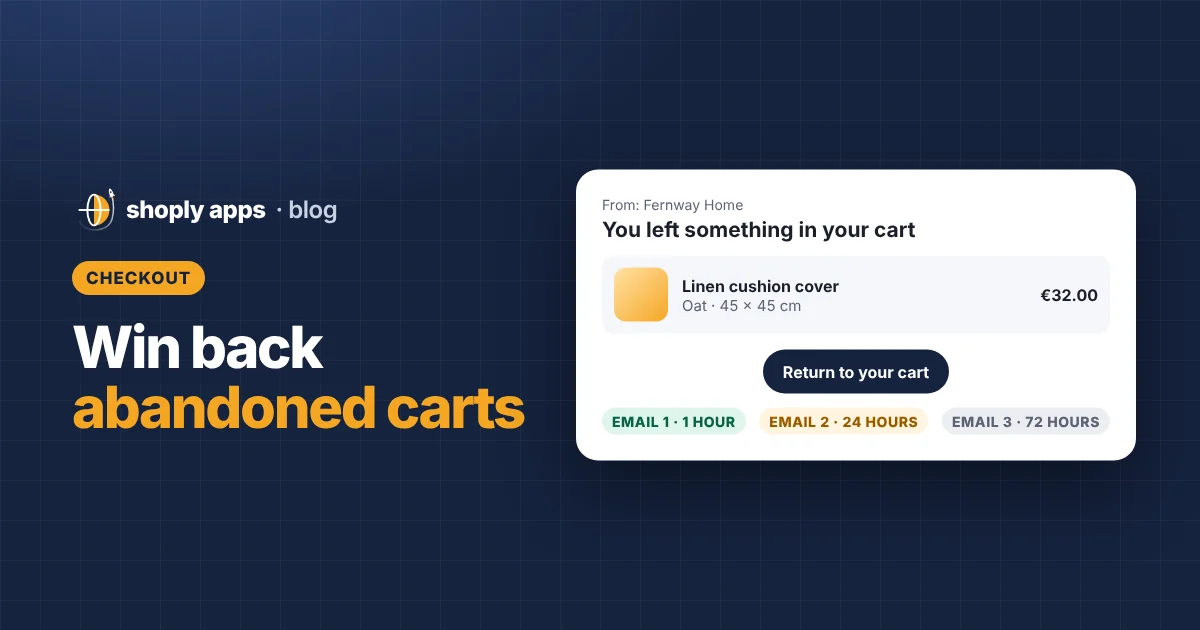
A common starting point is three emails: a reminder after about 1 hour, a reassurance email after about 24 hours, and a final nudge after 48–72 hours. Treat these timings as a test, not a rule; your shoppers may respond better to a different rhythm.
| Suggested timing | Goal | |
|---|---|---|
| 1. Reminder | About 1 hour | Catch people who got distracted while the decision is fresh |
| 2. Reassurance | About 24 hours | Answer doubts about shipping, returns, sizing or quality |
| 3. Final nudge | About 48–72 hours | Give a last reason to buy, possibly a small incentive |
Stop the sequence as soon as the shopper completes the order. Below is example copy for a fictional store, Fernway Home, which sells handmade ceramic mugs. Swap in your own products and tone.
Email 1: the reminder (about 1 hour)
Subject: You left something in your cart
Hi Sam,
Your Speckled Stoneware Mug is still waiting for you. We've saved your cart, so you can pick up right where you left off.
[Product image, name, quantity and price]
[Button: Return to your cart]
Questions? Just reply to this email.
The Fernway Home team
The goal is a simple, helpful reminder. No pressure, no discount.
Email 2: the reassurance (about 24 hours)
Subject: Any questions about your mug?
Hi Sam,
Not sure yet? Here's what you might want to know:
Each mug is made by hand, so the speckles on yours will be unique. It's dishwasher safe and holds 350 ml. We ship within 2 working days, and you can return it within 30 days if it isn't right.
[Product image and cart summary]
[Button: Complete your order]
The Fernway Home team
The goal is to remove doubts. Only include delivery times and return terms that are actually true for your store.
Email 3: the final nudge (about 48–72 hours)
Subject: Your cart is about to expire
Hi Sam,
We'll be clearing saved carts soon, so this is our last reminder about your Speckled Stoneware Mug. If you'd still like it, it's one click away.
[Product image and cart summary]
[Button: Finish checking out]
If now isn't the right time, no problem. We won't email you about this cart again.
The Fernway Home team
The goal is a polite, final prompt. Only say a cart will expire if that is true for your setup, and if you offer a discount, this is the email for it.
Should you offer a discount in an abandoned cart email?
Usually not in the first email, and sometimes not at all. Many shoppers simply got interrupted, so a reminder alone may bring them back, and a code in every recovery email teaches regular customers to abandon on purpose and wait for one.
A discount can make sense in the last email when your margins can take it, for higher-priced items where hesitation is common, or for first-time shoppers. It makes less sense on thin-margin products, for repeat customers who would likely buy anyway, or when you already discount often.
Here is what a 10% code costs on an example order (your numbers will differ):
| Example order | No discount | With 10% code |
|---|---|---|
| Customer pays | $60.00 | $54.00 |
| Product cost | $30.00 | $30.00 |
| Shipping you pay | $6.00 | $6.00 |
| Profit before fees | $24.00 | $18.00 |
The code takes $6 off the price, but that $6 comes straight out of profit: $24 drops to $18, a 25% cut in what you keep, before payment fees. On a product with a thinner margin, the same code can push the order below cost. Before you add a code, work out the margin at the discounted price using our guide to dropshipping profit margins, and check you aren't already selling products below cost.
What makes an abandoned checkout email work?
The best recovery emails make it effortless to return: they show exactly what was left behind and offer one obvious way back. Use this checklist:
- Show the cart. Include product images, names, variants and prices so the shopper recognises what they chose.
- One clear button. A single link back to the checkout, not a menu of links to your homepage and social accounts.
- Mobile-friendly. Many people read email on their phone, so use a single column, readable text and a button that's easy to tap. Send yourself a test and open it on a phone.
- Plain-language subject lines. Say what the email is about, like "You left something in your cart". Avoid all caps and fake urgency.
- A real reply address. Let shoppers ask a question by hitting reply.
- Accurate product content. The email pulls in your product image and title, so missing images or messy titles show up here too.
Do you need consent to send abandoned cart emails?
It depends on where you and your customers are. Rules on marketing email differ by country; in the EU, for example, the GDPR and ePrivacy rules affect when you can email people and how you handle their data. Some places treat a cart reminder differently from general marketing, others don't.
Keep it simple and safe:
- Find out what applies where you sell, and ask a local legal adviser if you're unsure.
- Use Shopify's settings to limit automated emails to shoppers who agreed to marketing if your rules require it.
- Include a working unsubscribe link and honour unsubscribes promptly.
- Explain in your privacy policy how you use checkout data.
How do you measure Shopify abandoned cart recovery?
Track two numbers: recovery rate and revenue recovered. Together they tell you whether the emails work and whether they are worth the effort.
Recovery rate = Recovered orders ÷ Abandoned checkouts
Revenue recovered = Total value of recovered orders
A worked example with made-up numbers: in one month your store has 90 abandoned checkouts. Nine of those shoppers come back and complete their order, with an average order value of $55.
- Recovery rate = 9 ÷ 90 = 10%
- Revenue recovered = 9 × $55 = $495
Compare months, and change one thing at a time, such as the timing of email 2 or a new subject line, so you can see what made the difference. If you add a discount, also track the profit on recovered orders, not just the revenue.
Why do recovered shoppers still fail to buy?
Often because the product is no longer available when they click back. A recovery email that leads to a sold-out item wastes the click and frustrates the shopper. Keep popular products in stock, watch items that are about to sell out, and don't let shoppers check out products you can't ship. Our guide to out-of-stock and oversold products on Shopify explains how to stay ahead of it.
We're building Shoply: Item Scan & Analytics, free on the Shopify App Store, which flags products that are out of stock, low on stock or likely to sell out soon, as well as products missing images or priced below your margin target, so the shoppers you win back can actually buy.
FAQ
Can Shopify email shoppers who only added items to their cart?
Usually not. Shopify can only email someone it can identify, so a shopper who added items but never started checkout or logged in is anonymous. Recovery emails mostly go to abandoned checkouts, where the shopper typed in an email address.
Where do I find abandoned checkouts in Shopify?
In your Shopify admin, look under Orders for abandoned checkouts. Each one shows the customer's details, the items and a recovery link you can send by email. Automated recovery emails are set up in marketing automations or notification settings, depending on your setup and plan.
Should the first abandoned cart email include a discount?
Usually not. Many shoppers simply got distracted, so a reminder is often enough. If you use a discount, save it for the last email, keep it modest and check the margin on the discounted order first.
How do I calculate my abandoned checkout recovery rate?
Divide recovered orders by abandoned checkouts for the same period. For example, 9 recovered orders from 90 abandoned checkouts is a 10% recovery rate. Track revenue recovered alongside it.
Make sure recovered shoppers can check out
Shoply: Item Scan & Analytics, free on the Shopify App Store, checks every product for stock, pricing and content problems, such as items about to sell out, prices below your margin target or missing images, and ranks them by the money at stake each month.
Install free on Shopify