

Shopify international SEO: hreflang, domains and translated URLs
Key takeaways
- Subfolders like
/fr-frare the simplest choice for most Shopify stores. They share the search strength of your main domain. - Shopify adds hreflang tags for you, for every market with its own domain, subdomain or subfolder and every published language. Don't add a second set with an app or theme code.
- Translate the parts Google reads: SEO titles, meta descriptions, alt text and, if you want local URLs, the URL handles.
- Same-language pages for different countries are fine when hreflang connects them, but local prices, spelling and shipping details make them more useful.
- Search Console no longer has country targeting. Use its country filter in the Performance report to see how each market is doing.
Once your Shopify store sells in more than one country or language, search engines have a new job: show each shopper the right version of your page. A French shopper should land on the French page with prices in euros, not the English page in dollars. That is what Shopify international SEO is about, and Shopify already handles a fair share of it. This guide explains what Shopify handles by itself, what you still need to do, and the mistakes that cost stores their foreign traffic.
Subfolders or domains for Shopify international SEO?
Each market in Shopify can live at its own address. You choose this per market under Markets, as explained in our Shopify Markets guide. Here is how the three options compare:
| Option | Example | Good | Watch out |
|---|---|---|---|
| Subfolder | yourstore.com/fr-fr | Easy to set up, no extra domain, shares your main domain's strength | Less local feel than a country domain |
| Subdomain | fr.yourstore.com | Separate address on one domain | Some search engines treat it as a separate site |
| Country domain | yourstore.fr | Clear local signal to shoppers and Google | Extra domains to buy and manage; each one builds strength on its own |
Shopify's help on Markets and SEO recommends subfolders for most stores. For a small store, that is almost always the right choice. Country domains make sense when you are building a strong brand in one country and are ready to treat it almost like its own store. Switching later is possible but messy, because every old URL needs a redirect, so it pays to choose once.
One detail: for markets other than your main one, Shopify's subfolders combine a language and a country code, such as /en-ca or /fr-fr. Language-only subfolders like /fr are for languages on your main market.
How does Shopify add hreflang tags?
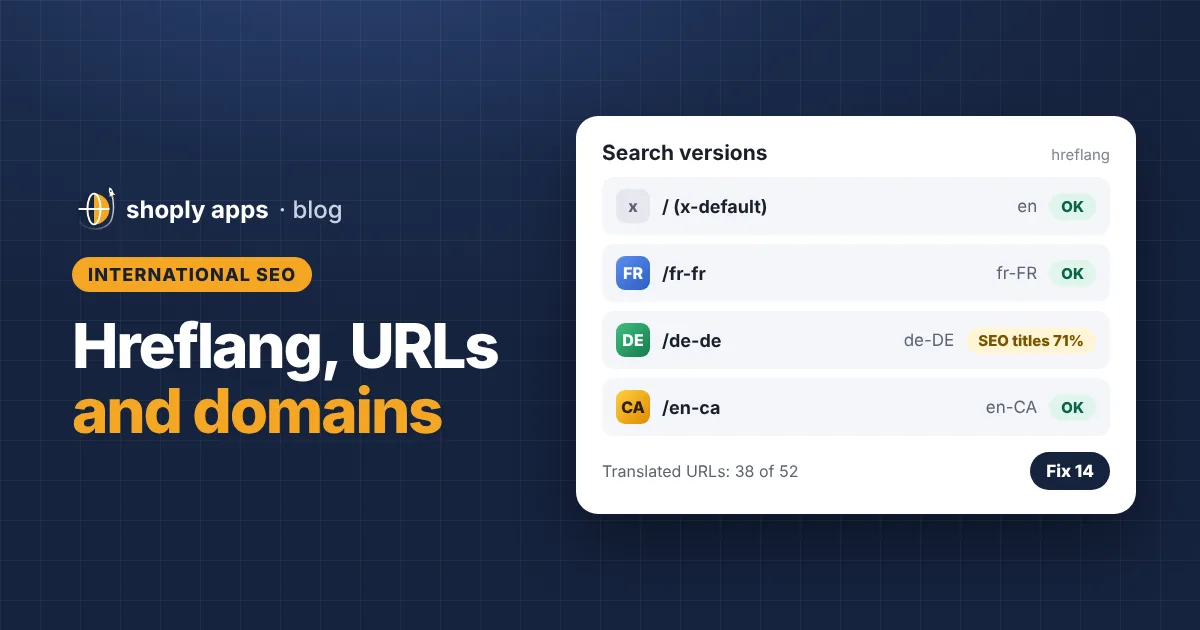
Hreflang is a small tag in the page code. It tells Google: "this page also exists in French for France, in English for Canada, and so on." Google then shows the best version to each searcher. Google's guide to localized versions explains the rules.
On Shopify you usually don't need to write these tags yourself. According to Shopify's help:
- Hreflang tags are added automatically, and the setting is on by default.
- Tags are only created for markets that have their own domain, subdomain or subfolder.
- Each tag has a language code and, where needed, a country code, such as
en-usorfr-fr. There is also anx-defaulttag for the fallback version. - Your Shopify sitemap includes the same language versions.
What this means for you: a language must be published and assigned to a market with its own URL before it gets hreflang tags. If you sell to Canada on your main domain without a subfolder, there is no separate Canadian page for Google to find.
If an app or your theme also adds hreflang tags, you may end up with two sets that disagree. Check your page source (search for "hreflang"). Shopify warns that turning its own tags off can hurt your SEO, so only do that if you have another setup that you trust.
Translate URLs and SEO fields, not just the page
Google reads more than the visible text. For each language, check these fields:
- SEO title and meta description. If you left them on Shopify's defaults, they follow the translated product title and description. If you wrote custom ones, translate them as well, or French shoppers see an English snippet in search results.
- Image alt text. Helps image search and accessibility in every language.
- URL handles. A French page at
/fr-fr/products/blue-linen-shirtworks, but/fr-fr/products/chemise-lin-bleuereads better. Shopify's Translate & Adapt app doesn't translate handles automatically; you add them by hand per language.
Get these right in your main language first. Our product page SEO checklist shows what a good SEO title and description look like, and Shoply: Item Scan & Analytics finds products with missing SEO titles, descriptions or alt text across your catalog. Then follow our guide on how to translate a Shopify store for the other languages.
Does international SEO create duplicate content?
Store owners often worry that /en-us, /en-gb and /en-au pages with the same English text count as duplicate content. Google's guidance on multi-regional and multilingual sites treats this as normal for a store that sells to several countries. Hreflang tags tell Google which version is meant for which country, so it can show the right one.
Still, near-copies give Google little reason to prefer one over another. Make each version truly local where you can:
- Prices in the local currency (Shopify does this per market).
- Local spelling, such as "color" and "colour".
- Local shipping times, returns and contact details.
- Sizes and units that match the country.
Also be careful with automatic redirects. Shopify can send visitors to their market based on location, but Google says its crawler mostly comes from US addresses, and that forced redirects can stop people and search engines from reaching every version. A visible country and language selector is the safer choice, and it helps shoppers whose location is guessed wrong.
How to use Google Search Console per country
Google Search Console shows how your pages appear in Google search. For an international store:
- Verify your whole domain. A domain property covers all subfolders and subdomains. Add each country domain as its own property.
- Submit your sitemap. Shopify creates it at
/sitemap.xml. If you use country domains, submit the sitemap for each one. - Filter by country. In the Performance report, add a Country filter to see clicks and searches per market. You can also filter by page, for example URLs containing
/fr-fr/. - Check indexing. Use URL inspection on a few translated pages to confirm Google can find them.
Note that the old International Targeting report, where you picked a target country, was retired in 2022. Google now relies on signals such as hreflang and country domains instead.
Common Shopify international SEO mistakes
- Half-translated pages. A French title over an English description, or English menus and buttons. Google and shoppers both notice.
- Outdated translations. You change the English text, but the other languages still show the old version. Check for outdated translations after big edits.
- Products missing from a market. A page that ranks in Google but isn't available in that market's catalog leads to a dead end.
- Two sets of hreflang tags from Shopify and an app at the same time.
- Untranslated SEO titles and meta descriptions, so search results show English text to foreign searchers.
- Forced redirects by IP address with no way to switch country or language.
- Unpublished languages. Translations exist, but the language was never published or assigned to a market, so Google never sees them.
Checklist for each new language or country
- Each market has its own subfolder, subdomain or domain.
- Each language is published and assigned to the right markets.
- Page source shows one set of hreflang tags, including
x-default. - SEO titles, meta descriptions and alt text translated where you set custom ones.
- URL handles translated for your most important pages, if you want local URLs.
- Products in each market's catalog match what the market's pages promise.
- A country and language selector is visible, and redirects don't trap visitors.
- Sitemap submitted in Google Search Console, with a Country filter saved for each market.
- A monthly check for missing and outdated translations.
New to SEO in general? Start with our Shopify SEO guide for beginners.
FAQ
Does Shopify add hreflang tags automatically?
Yes. Shopify adds hreflang tags by default for markets that have their own domain, subdomain or subfolder, for each published language. You don't need an app for this.
Are subfolders or country domains better for Shopify SEO?
For most stores, subfolders. They are easy to set up and share the search strength of your main domain. Country domains give a strong local signal but each one has to build its own strength.
Will English pages for the US, UK and Australia count as duplicate content?
Not when hreflang connects them, which Shopify does for you. Make each version more useful with local prices, spelling, shipping details and sizes.
How do I see Google traffic per country?
In Google Search Console, open the Performance report and add a Country filter. You can also filter by pages that contain a market's subfolder, such as /fr-fr/.
Keep every language and market search-ready
Shoply: Translation & Markets finds missing and outdated translations and products not available in a market, ranks them by money at stake, and lets you fix them with undo. Coming soon.
See Translation & Markets